Incident Response Plan for SMEs: The First 60 Minutes After a Cyberattack
Learn how, as an SME managing director, you master the first 60 minutes after a cyberattack and minimize damage through structured steps.
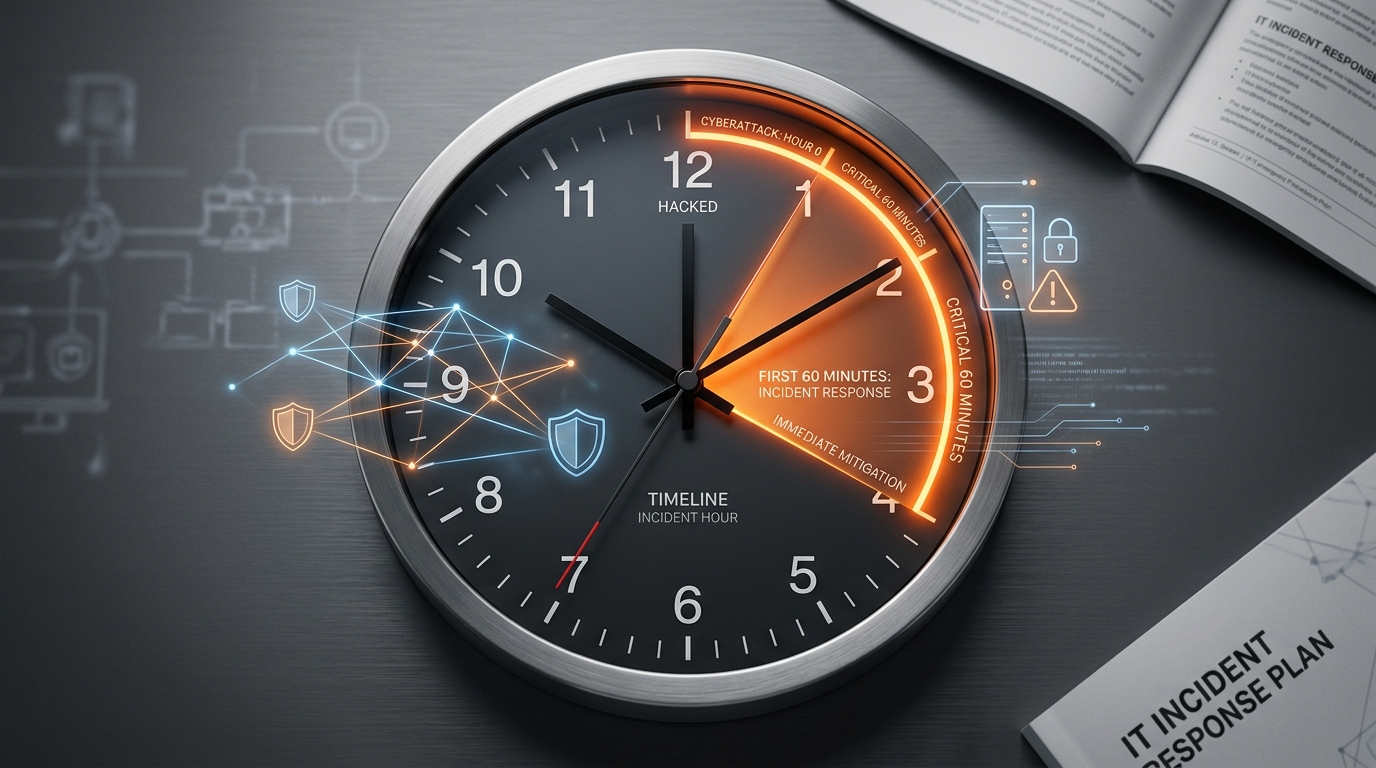
Step 1: Stay Calm and Activate Emergency Mode (Minute 0 to 10)
Picture arriving at the office in the morning and finding a ransom message glaring from your employees' screens. In that moment, your adrenaline spikes. As the managing director of a mid-sized company, you suddenly face an extreme stress situation in which every one of your decisions has far-reaching consequences. The most important ground rule for the first ten minutes is: stay calm and avoid rushing. Knee-jerk reactions such as unstructured shutdowns of servers or hastily pulling power plugs often do more harm than good. They destroy valuable traces in memory that are urgently needed for later analysis and evidence preservation. Take a deep breath and calmly activate your company's emergency mode.
A structured incident response plan works like a safety net. For the absolute worst case, in which perhaps even your digital systems are already locked, you should rely on analog tools. The official IT emergency card from the German Federal Office for Information Security (BSI) serves as the ideal analog guide here. Place this emergency card in a clearly visible spot at central locations in your business, for example by the printer or in the break room. If an attacker breaks into your system, for instance during a devastating ransomware attack on a mid-sized company, this analog guide immediately tells your employees who to notify internally and what the first steps look like.
Immediate Measures: What You Must Do Now (and What You Must Not)
- Document the current state of the screens by taking photos with your smartphone before you make any interactions.
- Disconnect affected systems from the network by unplugging the LAN cable or turning off Wi-Fi, but leave the computers switched on.
- Immediately notify your company's predefined IT emergency team or your external cybersecurity provider.
- Prevent uncoordinated attempts by your employees and instruct everyone not to keep using their workstations for now.
Of course, it is even better if you do not have to intervene manually at all during these critical minutes. This is exactly where CAVRIX's modern cybersecurity comes in. Through autonomous 24/7 monitoring, threats are not discovered only the next morning but nipped in the bud immediately. Such a system detects unusual data movements or encryption attempts fully automatically and isolates infected devices from the rest of the company network within seconds. Through the intuitive Command Center, you receive a clear notification in real time, directly on your smartphone or in your usual chat channel. That way you keep full control even during a crisis and know exactly that the defensive measures are already running in the background.
Step 2: Contain the Damage Through Targeted Network Isolation (Minute 10 to 25)
Once you suspect or are certain about a cyberattack, every second counts. Now it is about containing the damage. Malware usually spreads rapidly in order to paralyze the entire IT infrastructure. Exactly how this plays out with ransomware in mid-sized companies shows how important the immediate isolation of affected devices is to prevent what is known as lateral movement. As managing director, you must act with composure in this phase and coordinate the right actions to block the spread to unaffected servers and workstations right away.
The Golden Rule: Disconnect, Don't Shut Down
When it comes to network isolation, there is one critical mistake that many people in charge make out of panic: they simply switch off the computers or pull the PC's power plug. That is fatal. When you switch off or restart an infected system, all volatile data in memory (RAM) is lost irretrievably[1]. This data, however, is invaluable to IT forensics teams and cyber insurers for reconstructing the path of infection and finding the exact vulnerability. The German Federal Office for Information Security (BSI) therefore strongly advises disconnecting systems from the network immediately but, under all circumstances, keeping them running.
- Unplug the physical network cable (LAN cable) directly at the affected device to cut the wired connection immediately.
- Turn off the device's Wi-Fi connection if it is wirelessly connected to the company network. Many laptops have a physical button or switch on the case for this.
- Disconnect external storage media such as USB sticks or external hard drives to prevent these backups from being encrypted afterward.
- Under all circumstances, keep the computer switched on and do not perform a restart, so that the volatile memory is preserved for later analysis.
- Briefly document which devices you isolated when and how, since this is important for later insurance claims.
Manual Isolation vs. Autonomous Real-Time Response
In practice, one problem often becomes apparent: when an attack happens at night or on the weekend, hours often pass before anyone notices the threat and pulls the cables manually. By then, the malware has long since spread across the entire company network. This is exactly where modern cybersecurity for mid-sized companies unfolds its full effect. Through intelligent Endpoint Detection and Response (EDR), infected systems are isolated not after minutes or hours but fully autonomously within seconds. The system detects suspicious behavior patterns and automatically blocks the network communication of the affected endpoint, even before a human administrator can be alerted at all.
As managing director, you retain full control at all times through the CAVRIX Command Center. You immediately see on your smartphone or in your preferred messenger which threat was fended off and which device was isolated. That way, a potentially existential incident becomes a controlled event in which the rest of your business operations can carry on undisturbed.
Step 3: Complete Evidence Preservation and Documentation (Minute 25 to 45)
Once the first immediate measures are underway, the clock starts ticking for legal and organizational obligations. In this phase it is crucial that you keep a cool head and meticulously record every single step. Complete documentation is not only your safeguard toward insurers, but also the most important foundation for later IT forensics. Important: write everything down by hand on paper, because digital systems could be compromised and might be deleted or encrypted.
The Legal Reporting Cascade and Your Liability
As a managing director in the German mid-market, you carry a high level of responsibility. Under regulations such as NIS2, failures in risk management can result in direct personal liability for management. Security incidents must be reported in a strict reporting cascade once you become aware of them: an initial report must reach the German Federal Office for Information Security (BSI) within 24 hours, followed by a more detailed follow-up report within 72 hours. The General Data Protection Regulation (GDPR) likewise requires a report within this 72-hour window in the event of data loss. Your notes form the legal proof that you acted immediately and conscientiously.
What Belongs on the Analog Notepad?
In this phase, do not rely on internal emails, chats, or digital documents. While an automated service like CAVRIX's cybersecurity is already securing digital logs in the background, you have to record manual observations on a physical pad. These records are also invaluable to your cyber insurer, since insurers demand detailed evidence before paying out.
- Time of first suspicion: when exactly did the first anomalies or error messages appear?
- Symptoms and system status: which servers, clients, or networks are behaving unusually or showing error messages?
- Immediate measures taken: which network plugs were pulled, which passwords changed, and which systems isolated?
- People involved: who discovered the incident, who has been informed so far (e.g. internal IT or external partners), and who gave which instructions?
- Observed data exfiltration: is there concrete evidence that sensitive data was copied, moved, or encrypted?
Through this disciplined logging, you prevent valuable evidence from getting lost in the chaos. At the same time, you give external forensics experts and security authorities exactly the puzzle pieces they need to reconstruct the origin of the attack quickly and precisely, for instance in the case of a ransomware attack on a mid-sized company.
Step 4: Coordinate Internal and External Emergency Communication (Minute 45 to 60)
In the last 15 minutes of the first hour after discovering the cyberattack, you leave the purely technical level. Now the focus is on strategic damage control. A serious mistake many mid-market managing directors make is to neglect communication in the rush or to let information leak out in an uncoordinated way. A structured plan helps you keep control calmly and protect your company's reputation.
The Communication Order: Internal Before External
In crisis management, one firm principle applies: inform your own people first, then the outside world[2]. If your employees learn important news or rules of conduct first from social media or from customers, it creates uncertainty and endangers internal security. In addition, uninformed staff run the risk of unintentionally passing sensitive details to attackers or the media.
- Instruct employees: inform your workforce about the incident through alternative, secure channels. Issue clear rules of conduct, such as the ban on switching on infected work computers.
- Warn important partners and customers: inform those stakeholders whose own networks or supply chains could be endangered by the incident.
- Contact authorities and insurers: meet the legal deadlines to avoid heavy fines or the loss of your insurance coverage.
Secure Communication Channels Outside the Company Network
A typical mistake in responding to an incident is using the usual mail servers or internal chat systems. If hackers have broken into your network, they may be reading these channels along with you or using them to spread malware further. You absolutely need what is called out-of-band communication, meaning communication paths completely independent of your compromised IT infrastructure[2].
With the CAVRIX Command Center, you coordinate easily in such crisis situations without having to fall back on infected mail servers or compromised office tools. Through this protected, AI-native interface, you communicate securely via Teams, WhatsApp, or Slack on separate devices and coordinate the next steps directly with the security experts from Cybersecurity. That way, you make sure your discussions stay confidential and the attackers are kept in the dark. At the same time, you keep the overview, which is also crucial for later meeting legal obligations and averting personal liability for management.
Once the first 60 minutes have passed, this coordinated approach means you have successfully completed the initial measures. The threat is isolated, your team is informed, and the experts are working on recovery. If you rely preventively on autonomous 24/7 security monitoring from CAVRIX, this window of uncertainty even shrinks to just a few minutes, because attacks are detected and stopped fully automatically.
Prevention Over Damage Control: How Autonomous 24/7 Monitoring Is Your Lifeline
A classic incident response plan is like a fire extinguisher in your business: it is absolutely vital when there is a fire, but it does not prevent the fire from breaking out. In an emergency, every second counts. According to the current BSI situation report, small and mid-sized companies make up around 80 percent of all ransomware victims[3]. Once you understand the typical course of an attack, it becomes clear why pure damage control often comes too late. Once malware has encrypted your servers, the damage is already immense, even if your emergency plan works well.
The Danger of Undetected Dwell Time
The greatest risk for the mid-market is not the sudden outage, but the invisible preparation phase of the hackers. The average dwell time of attackers in company networks is a median of three days before they actively cause damage[4]. During this time, criminals harvest passwords, manipulate backups, and prepare the encryption. A reactive emergency plan does not help you in this phase, because you simply know nothing about the threat. This is exactly where proactive prevention comes in. With our cybersecurity solution, we offer you precisely this protection: through autonomous security monitoring, anomalies are detected immediately, while the attacker is still looking around the network.
Instead of waiting for the screens to stay black on Monday morning, a modern system blocks attacks fully automatically in real time. Below, learn how reactive damage control differs from proactive 24/7 monitoring:
| Criterion | Manual Emergency Plan (Reactive) | Autonomous 24/7 Monitoring (Proactive) |
|---|---|---|
| Detection time | Often only after days or weeks, once the systems are already encrypted. | Real-time detection within minutes through automated analysis. |
| Response at night & on holidays | Requires your IT team to be reachable outside working hours. | Immediate, automated blocking of threats around the clock and on every day. |
| Extent of damage | Frequently a complete production standstill and high recovery costs. | Minimal, because suspicious activity is isolated directly at the affected device. |
From Alert to Defense in Minutes
When an attack happens at two in the morning, your internal IT team is usually unreachable. An autonomous security approach does not wait for human decisions. It detects the unusual behavior of an account, isolates the affected laptop on the network, and prevents the malware from spreading, fully automatically within a few minutes. Through our Command Center, you as managing director have full visibility of active tasks and your company's security status at all times, without needing deep technical expertise. That way, a potentially existential incident becomes an unremarkable routine entry in your security report.
Frequently Asked Questions
What is the first step in the event of a suspected cyberattack?
Immediately disconnect the affected device from the company network (pull the network cable or turn off Wi-Fi). However, do not switch the device off, so that volatile data in memory is preserved for later forensic analysis.
Why shouldn't I just switch off infected systems?
When you switch off the device or pull the power plug, the entire content of memory (RAM) is lost. Yet that is often exactly where the crucial traces of the attackers are found, which are needed for the damage analysis.
How does an incident response plan help me in an emergency?
It gives you and your team a clear structure for who takes on which tasks in the first minutes. This prevents rash actions, speeds up the response, and thus minimizes costly downtime.
Which legal reporting obligations must I observe after an attack?
If personal data is affected, you must report the incident to the responsible supervisory authority within 72 hours under GDPR. For companies covered by the NIS2 directive, strict, staggered deadlines apply as well.
How does autonomous 24/7 monitoring shorten the response time?
An automated Security Operations Center (SOC) like the one at CAVRIX Cybersecurity detects anomalies immediately. Attacks are stopped in real time, long before internal IT could manually notice the incident and respond to it.
Where should the BSI IT emergency card be placed?
Post the emergency card in a clearly visible spot at central locations such as hallways, copy rooms, and directly at workstations, so that all employees have the emergency contacts at hand immediately in an emergency.